
OneSearch
Pinyin-aware bookmark search, pinned folders, one-click saving, and configurable AI search
Free
Screenshots
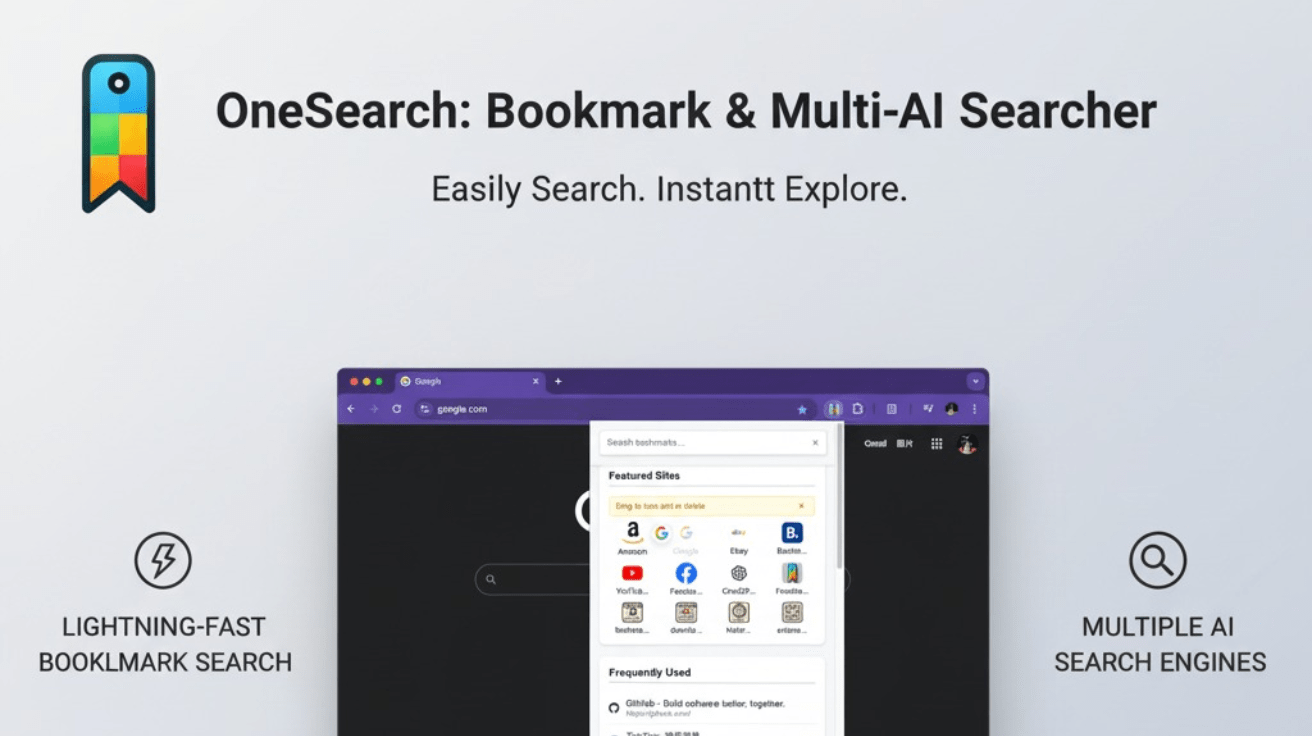
Key Features
More About This Project
OneSearch: Bookmark & Multi-AI Searcher
Find bookmarks faster instead of reorganizing them again
OneSearch is a bookmark navigation extension for Chrome and Microsoft Edge. It brings bookmark search, favorite shortcuts, folder browsing, current-page saving, and external search into one lightweight popup, so saved pages remain easy to find and open.
Whether you keep a few dozen links or several thousand carefully organized bookmarks, you can start with the search box instead of repeatedly expanding folders or opening the full bookmark manager.
Core features
🔤 Search Chinese bookmarks without switching input methods
Type Pinyin directly to match Chinese bookmark titles. For example, haochi can find “好吃”; initials such as hc and partial spellings work too.
-
Full Pinyin, initials, and partial Pinyin matching
-
Tone-marked Pinyin and
ü/vinput -
Simplified and Traditional Chinese with common polyphonic characters
-
Mixed-language queries such as
haochi recipes -
Existing title and URL search remains available
-
The same matching behavior in the main search and folder search
📌 Pin frequently used sites and bookmark folders
Keep important websites or entire bookmark folders on the home view to reduce repetitive searching.
-
Pin both websites and folders
-
Drag and drop to change their order
-
Edit or remove custom shortcuts
-
Preview folder contents at a glance
-
Use the context menu to pin, unpin, open, edit, or delete supported items
📂 Browse nested bookmark folders inside the popup
Open bookmark folders in a focused popover and continue browsing without leaving OneSearch.
-
Navigate nested folders with breadcrumbs
-
Search titles and URLs in the current folder
-
Find Chinese folders and bookmarks with Pinyin
-
See bookmark counts for the current folder
-
Navigate with the keyboard or open links in the background
➕ Save or edit the current page in one click
Use the add-bookmark button to save the active page. OneSearch suggests useful folders based on the website domain, page title, recent activity, and your previous choices.
-
Smart folder suggestions
-
Edit the bookmark name and destination folder in place
-
Detect pages that are already bookmarked to avoid duplicates
-
Undo a new bookmark or delete an existing one
-
Automatically refresh the folder index after bookmark changes
✨ Configurable AI and web search
When the answer is not in your bookmarks, press Enter in the main search box to continue with the providers selected in Settings. Perplexity is the default, and you can enable one or multiple supported AI or web search engines to match your workflow.
⌨️ Keyboard-first without giving up mouse controls
-
Open OneSearch with the browser extension shortcut
-
Move through search results and bookmarks with the arrow keys
-
Press Enter to open the selected item
-
Middle-click links to open them in the background
-
Customize the shortcut from the browser's extension settings
Product design
-
Local Pinyin matching: bookmark titles are matched against Pinyin inside the extension
-
Cached bookmark index: avoids repeated tree reads and conversion work, then rebuilds automatically after bookmark changes
-
Native bookmark integration: works with the browser's existing bookmark tree without migration or re-importing
-
Responsive interface: the popup, folder browser, and settings page adapt to different window widths
-
No account required: OneSearch does not depend on a proprietary cloud bookmark service
Useful for
Work and development
Locate dashboards, technical documentation, design resources, and internal tools quickly, then pin complete project folders for direct access.
Learning and research
Search saved material in Chinese, Pinyin, English, or a combination, and continue with an AI or web search provider when needed.
Everyday browsing
Save the current page into a suggested folder and keep the websites you open every day one click away.
Quick start
-
Install OneSearch from the Chrome Web Store or Microsoft Edge Add-ons
-
Open the extension; your existing browser bookmarks are available immediately
-
Search by title, URL, Chinese text, or Pinyin
-
Save the current page with the plus button, or pin favorite bookmarks and folders
-
Choose external search providers and display preferences in Settings
Privacy
Regular bookmark search and Pinyin matching run locally in the extension. OneSearch has no proprietary account system or bookmark-upload service. When you explicitly press Enter to use an external search provider, the browser opens that provider with your query, which is then subject to the provider's privacy policy.
Pricing
Free to use, with no subscription or hidden feature fees.
Make every saved page easier to find again.